Login Screen
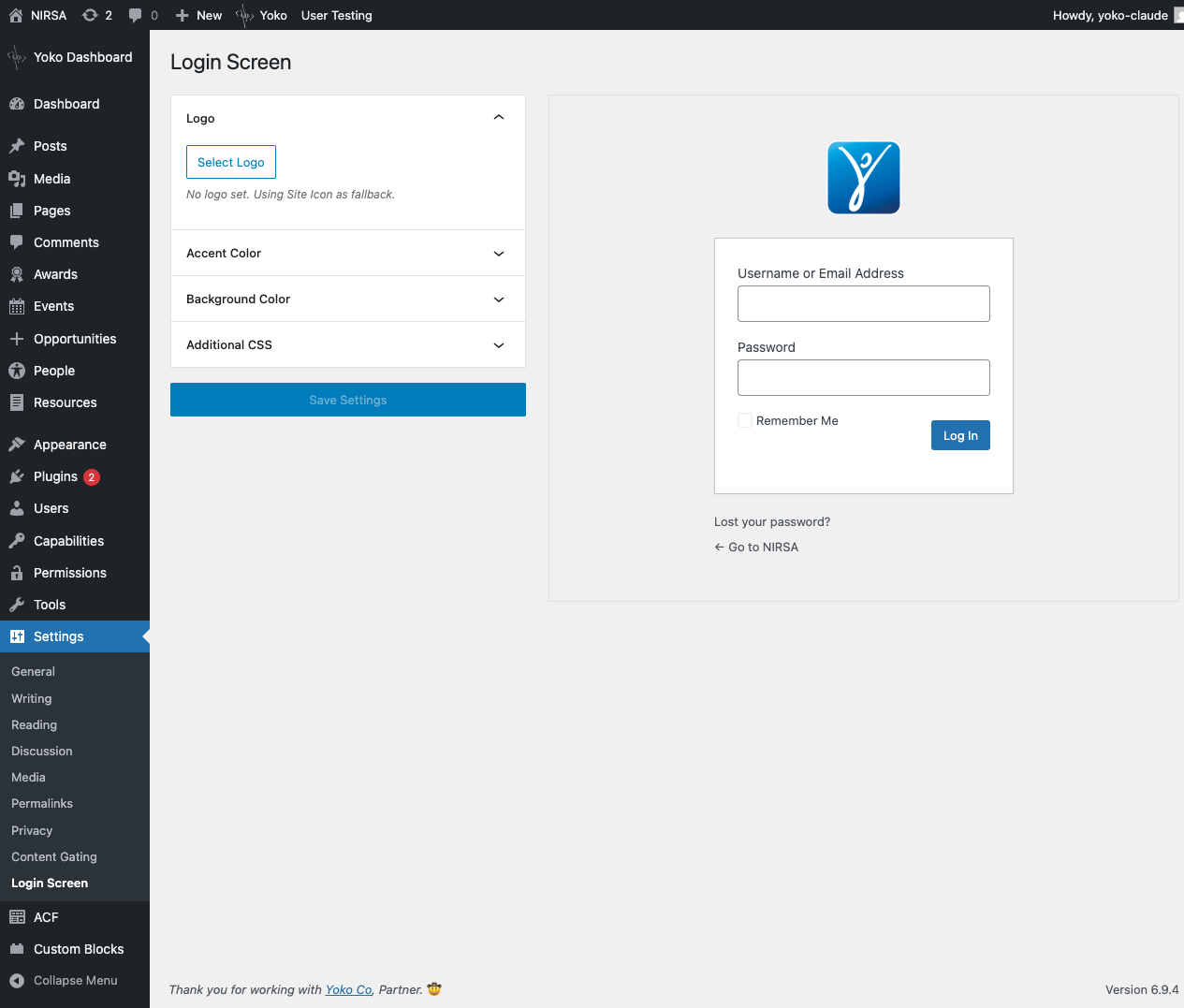
Customize the WordPress login page (wp-login.php) with your own branding. The Login Screen settings page provides a live preview that mirrors the actual login page layout, so you can see changes in real time before saving.
Location: Appearance > Login Screen
This screen moved from Settings to Appearance in 1.30.0, beside Email Branding.
Settings
Logo
Upload a custom logo to replace the default WordPress logo on the login page. When no logo is set, the Site Icon (configured under Settings > General) is used as a fallback.
The logo is rendered as a CSS background-image with background-size: contain, centered in an 80px-tall area spanning the full width of the login box (320px).
Accent Color
Controls the color of the "Log In" button and input focus states, and the hover states on the "Lost your password?" and "Go to [site]" links.
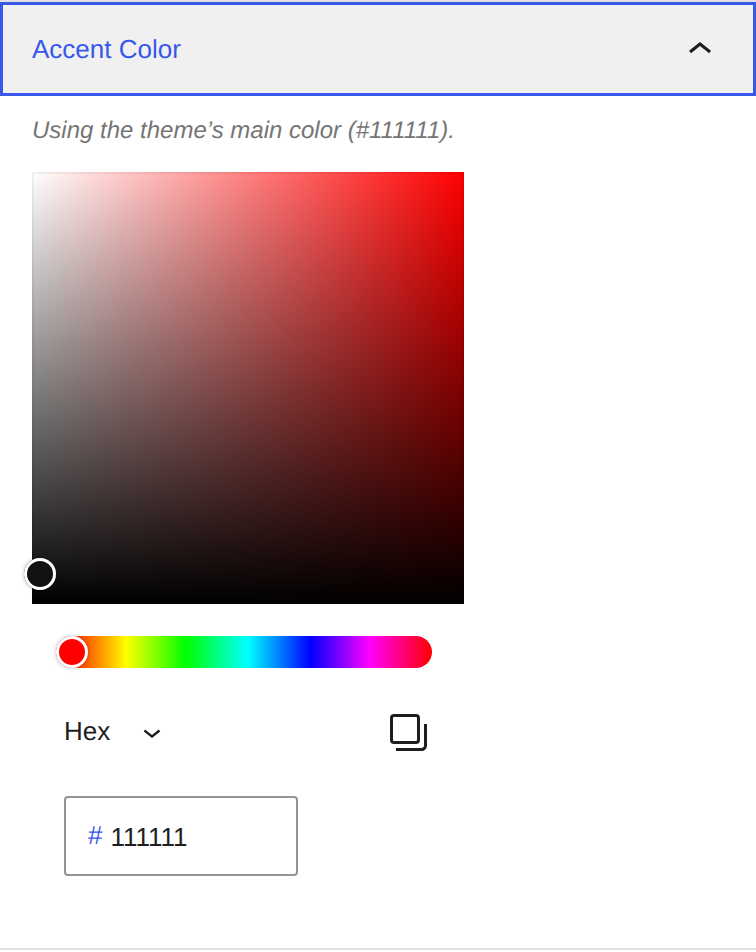
Leave it empty and the block theme's main color is used — its button
background, then its link color, then a palette entry named primary, brand,
accent or similar. On a classic theme, or a block theme that defines none,
nothing is emitted and WordPress' own login styling is left alone.
Sites that were on an earlier version keep their color unless it was still the
old #2271b1 default, which is migrated to empty once — under that value the
login screen emitted no accent styling at all, so it was the unset state in
everything but name.
Background Color
Sets the full-page background color of the login page. Defaults to #f0f0f1.
Additional CSS
A free-text CSS editor for further customization. Rules entered here are appended after the generated styles, so they can override any of the above settings. CSS is sanitized on save to remove dangerous at-rules (@import, @charset, @font-face) and functions (expression(), javascript: URLs).
Custom CSS is not reflected in the live preview. Save and visit wp-login.php to verify custom CSS rules.
Screenshots
Settings page with live preview
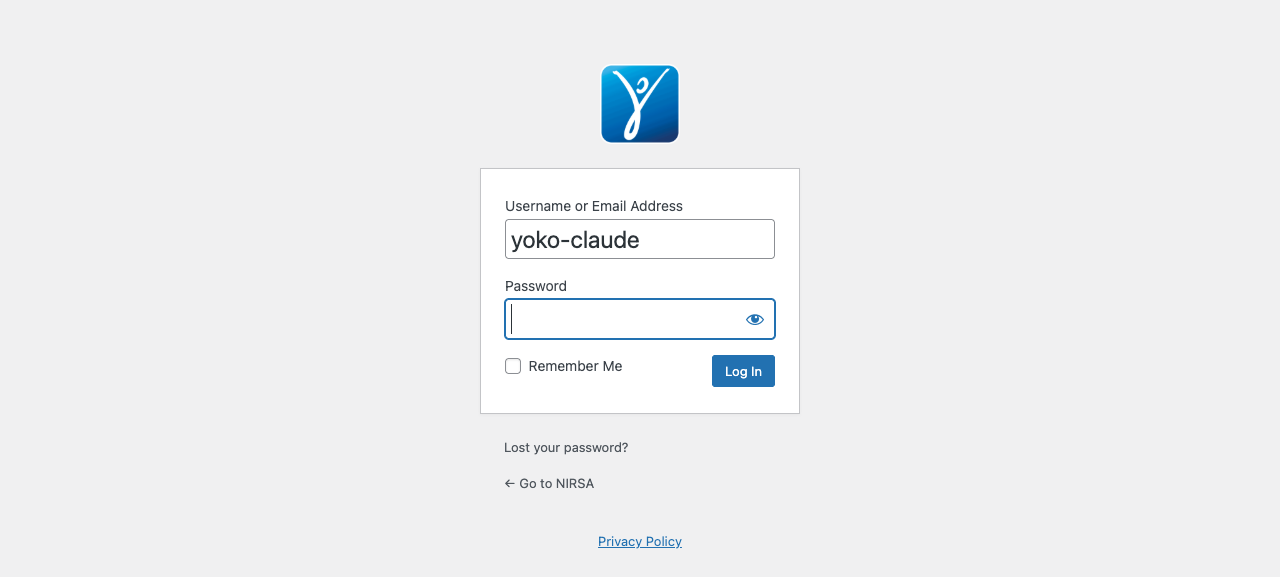
Resulting login page
Logo Fallback Chain
The logo displayed on the login page follows this priority:
- Explicitly uploaded logo via the Login Screen settings
- Site Icon (Settings > General > Site Icon)
- WordPress default logo (when neither is set)
The same chain, with the same Site Icon fallback, is what Email Branding puts at the top of the system emails.
Technical Details
- Settings are stored as a single serialized option (
yoko_login_screen) using the WordPress Settings API withshow_in_restenabled. - The accent color resolves through
YokoCo\Branding\ThemeStyles, which readstheme.jsonglobal styles.yoko_login_screen_accent_colorfilters the resolved value;yoko_branding_primary_colorfilters the theme's contribution to it, for both this screen and the emails. - Styles are injected via
wp_add_inline_style()on thelogin_enqueue_scriptshook. - The logo link URL is changed to the site home page, and the link text is set to the site name for accessibility.
- The live preview uses the same HTML structure and class names as
wp-login.php, ensuring visual parity with the actual login page.