Advanced Custom Fields
Almost all Yoko websites use ACF, so we have a few convenient integrations to make it easy to perform common requirements.
Timezone Select
Setting an ACF select field to the name timezone_select will automatically populate it's options with all official PHP timezone options. The title can be anything, but the field name must be exact.
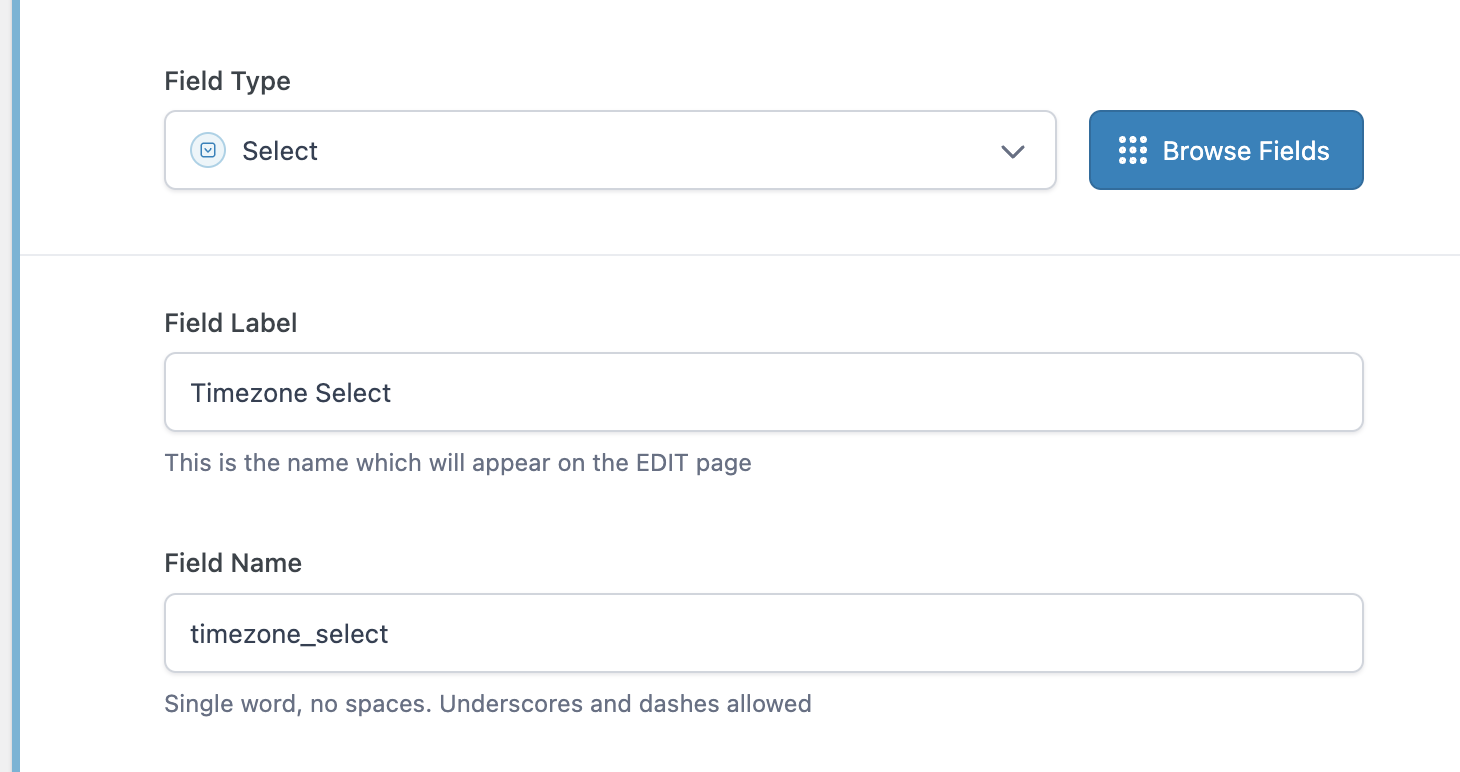
This configuration will result in the select options being populated with all PHP timezones with default being the site's timezone option:
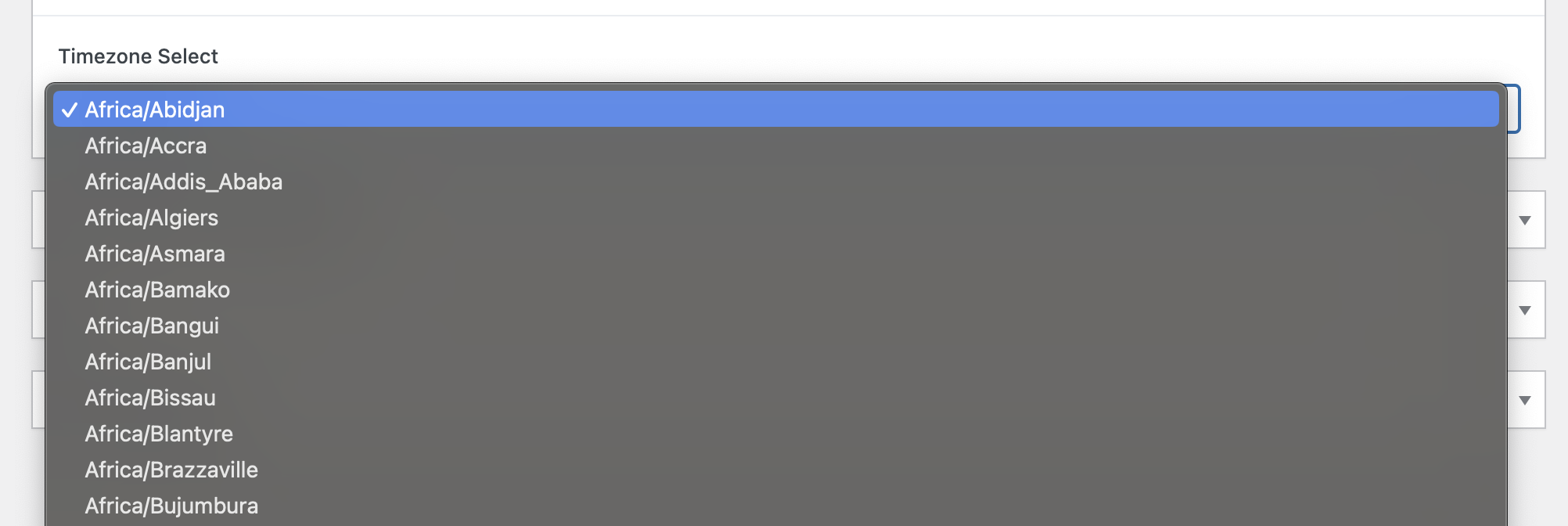
Limiting Timezone Options
In many cases, a client will not want a list of all timezones and will prefer their own format for the timezones. In this case, this filter can be used to set the timezones you would like to see with the official PHP value as the value of the field:
add_filter(
	'acf/load_field/name=timezone_select',
	function( $field ) {
		$field['choices'] = array(
			// In the format of PHP Value => Render/Human Legible Value.
			'America/Halifax'     => 'Atlantic',
			'America/New_York'    => 'East Coast',
			'America/Chicago'     => 'Central',
			'America/Denver'      => 'Mountain',
			'America/Los_Angeles' => 'Pacific',
			'America/Anchorage'   => 'Alaska',
			'Pacific/Honolulu'    => 'Hawaii',
		);
		return $field;
	}
);
Post Parent Location Option for Fields
Yoko Core adds the Post Parent option for the ACF field Location logic allowing for metaboxes to target only parent or only child/grandchild/etc. posts. This logic is compatible with any post type, regardless of any other location rules.
This rule does not confirm that the parent or child page is the same post type. This simply checks to see if the post_parent field is non-zero.
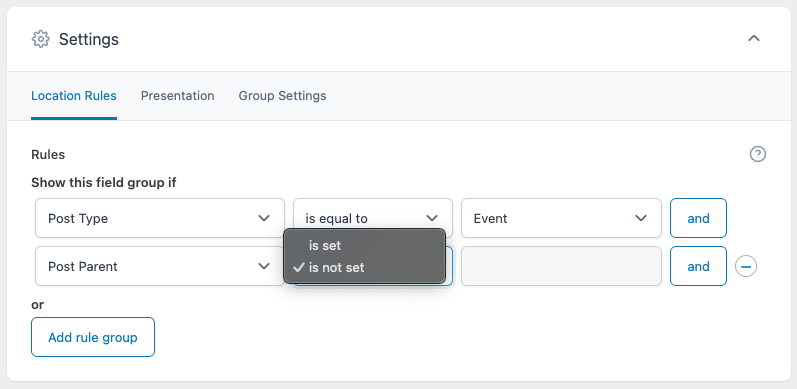
Possible Values:
is set: Will only show this metabox for child/grandchild/etc. posts.is not set: Will only show this metabox for parent posts.