Email Branding
Sends the WordPress system emails — password reset, welcome, change notices — as HTML carrying the site's own logo, colour and fonts, and lets an administrator rewrite what the four most visible of them say. Off until a site switches it on.
Location: Appearance > Email Branding
WordPress sends these as plain text with no indication of which site they came
from beyond a [Site Name] in the subject. A password reset that looks like
nothing in particular is the one a recipient is least likely to trust.
Branding ships off. Until a site opts in, WordPress sends exactly what it always sent, and nothing on this screen has any effect. Updating the plugin never changes what an account holder receives.
The preview works while it is off, so the way to decide is to look at it: set the logo and colour, read the preview, then switch on Send system emails as branded HTML and save.
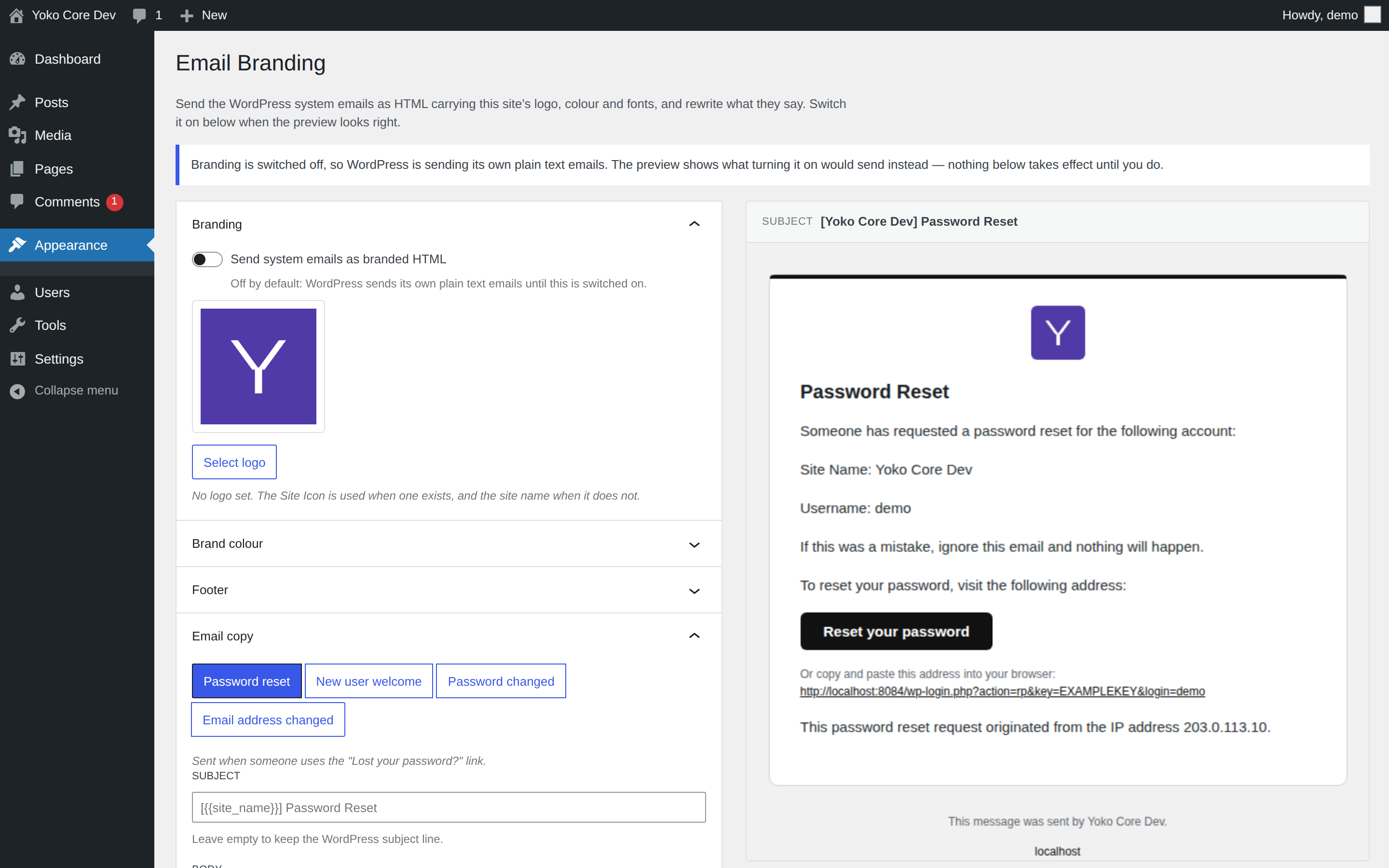
How every site starts: switched off, with the preview already showing what turning it on would send.
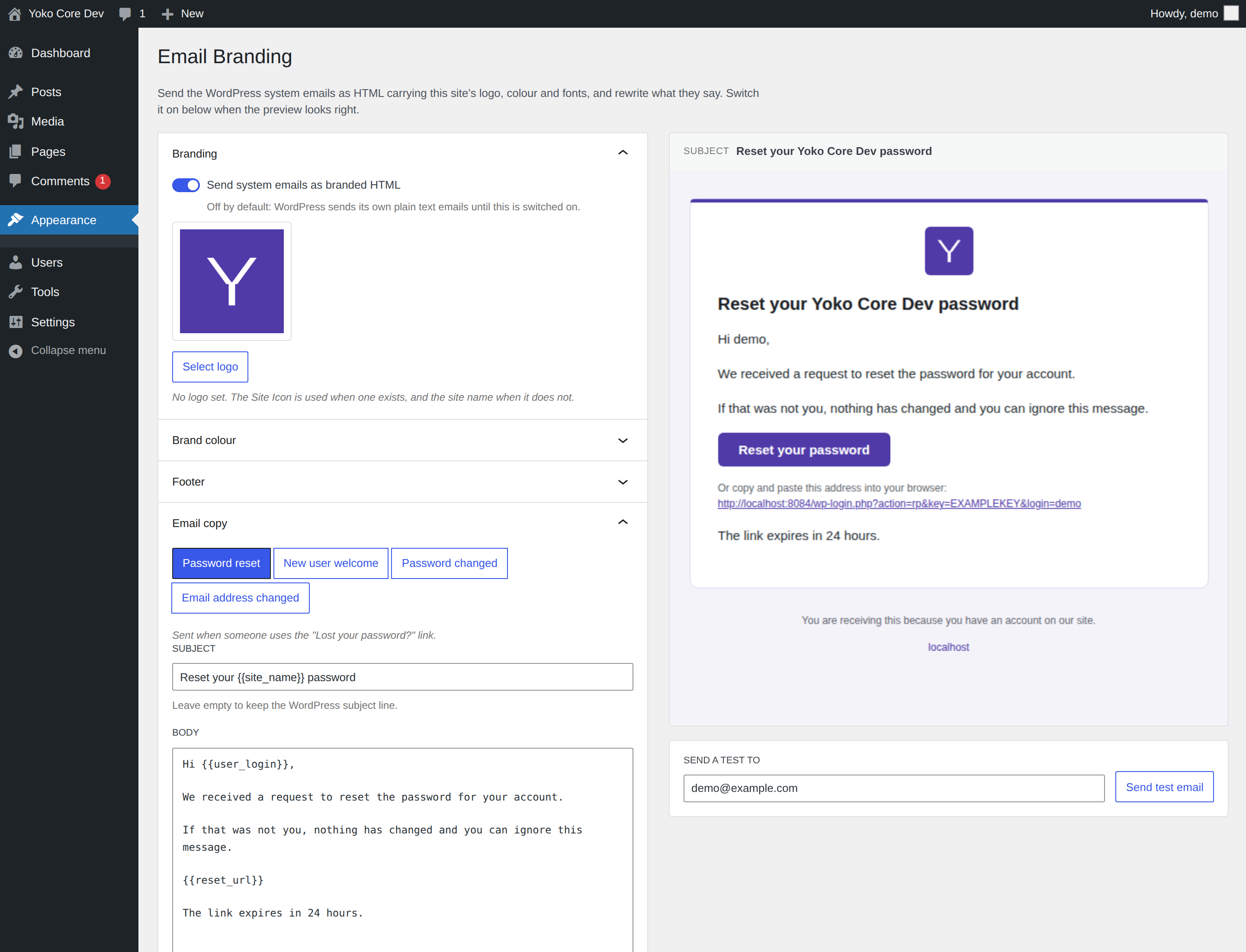
Switched on, with a colour and rewritten copy. The preview is rendered by the same PHP that sends the email, so it is the HTML the recipient receives — not a mock-up of it.
What gets branded
| Copy can be rewritten | |
|---|---|
| Password reset | Yes |
| New user welcome | Yes |
| Password changed | Yes |
| Email address changed | Yes |
| New user registered (to the admin) | No |
| Password changed (to the admin) | No |
| Comment notification and moderation | No |
Nothing else is touched. A Gravity Forms notification, a WooCommerce receipt or
any other plugin's email goes out exactly as that plugin built it — the branded
emails are marked with a private header on their way into wp_mail(), and only
a marked email is wrapped.
Every branded email is sent as multipart/alternative: the HTML above, and the
plain text WordPress wrote as the alternative part.
Settings
Send system emails as branded HTML
The master switch, and off by default. While it is off, WordPress sends its own plain text and nothing else on this screen applies — the preview still renders, so it can be set up and looked at before anything reaches a recipient.
Switching it off again on a site that had it on restores plain text on the very next email. Nothing is stored in a branded form, so there is nothing to undo.
Logo
Shown at the top of every branded email, at 56px. The fallback chain:
- The logo chosen here
- The Site Icon (Settings > General)
- The site name as text, in the brand colour
Brand colour
Colours the bar across the top of the email, the button, the links and the page tint behind the card. When it is left empty:
- The block theme's main colour — its button background, then its link colour,
then a palette entry named
primary,brand,accentor similar - WordPress blue (
#2271b1), on a classic theme or a block theme that defines none
The control says which of the three is in use rather than making you work it out.
Footer
The small print under the card. Empty falls back to "This message was sent by Site Name." The site's domain is always linked below it.
Email copy
Each of the four rewritable emails has a subject and a body. Leave either empty and WordPress's own wording is used — including after a WordPress update changes it, which is the reason to leave them empty unless there is a reason not to.
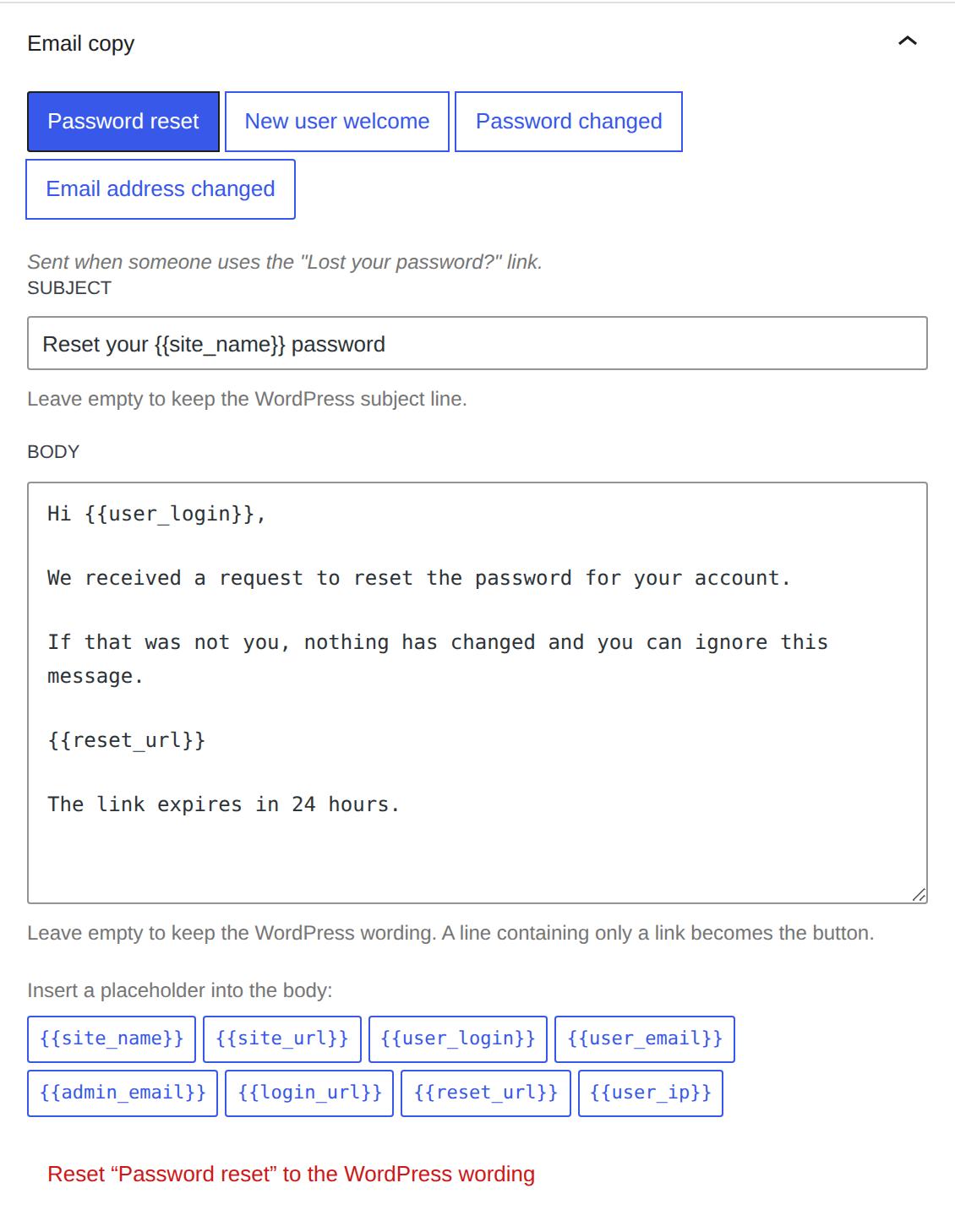
Placeholders are written {{token}}, and you do not have to remember them:
under the fields is every placeholder that email resolves, as a button. Clicking
one inserts it at the cursor of whichever field you last used — the line above
the buttons says which that is — and hovering one says what it resolves to.
These six are in all four emails:
| Token | Value |
|---|---|
{{site_name}} | The site title |
{{site_url}} | The site home page URL |
{{user_login}} | The recipient's username |
{{user_email}} | The recipient's email address |
{{admin_email}} | The site's administration email address |
{{login_url}} | The login page URL |
And these belong to one email each:
| Token | In | Value |
|---|---|---|
{{reset_url}} | Password reset | The password reset link |
{{user_ip}} | Password reset | The IP the request came from |
{{set_password_url}} | New user welcome | The set-a-password link |
{{new_email}} | Email address changed | The address the account is changing to |
A token that does not exist is left in the message as written, rather than silently blanked.
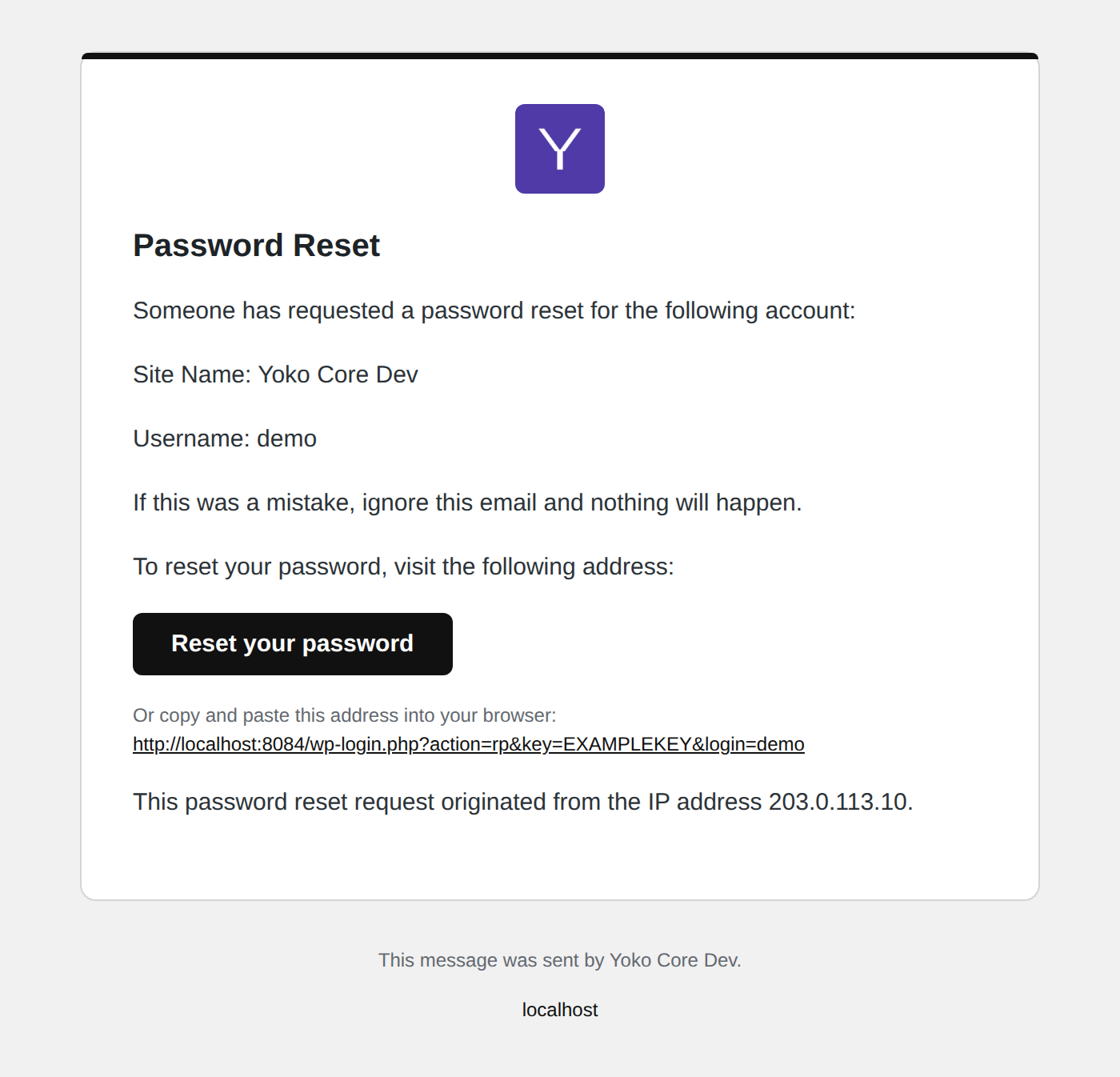
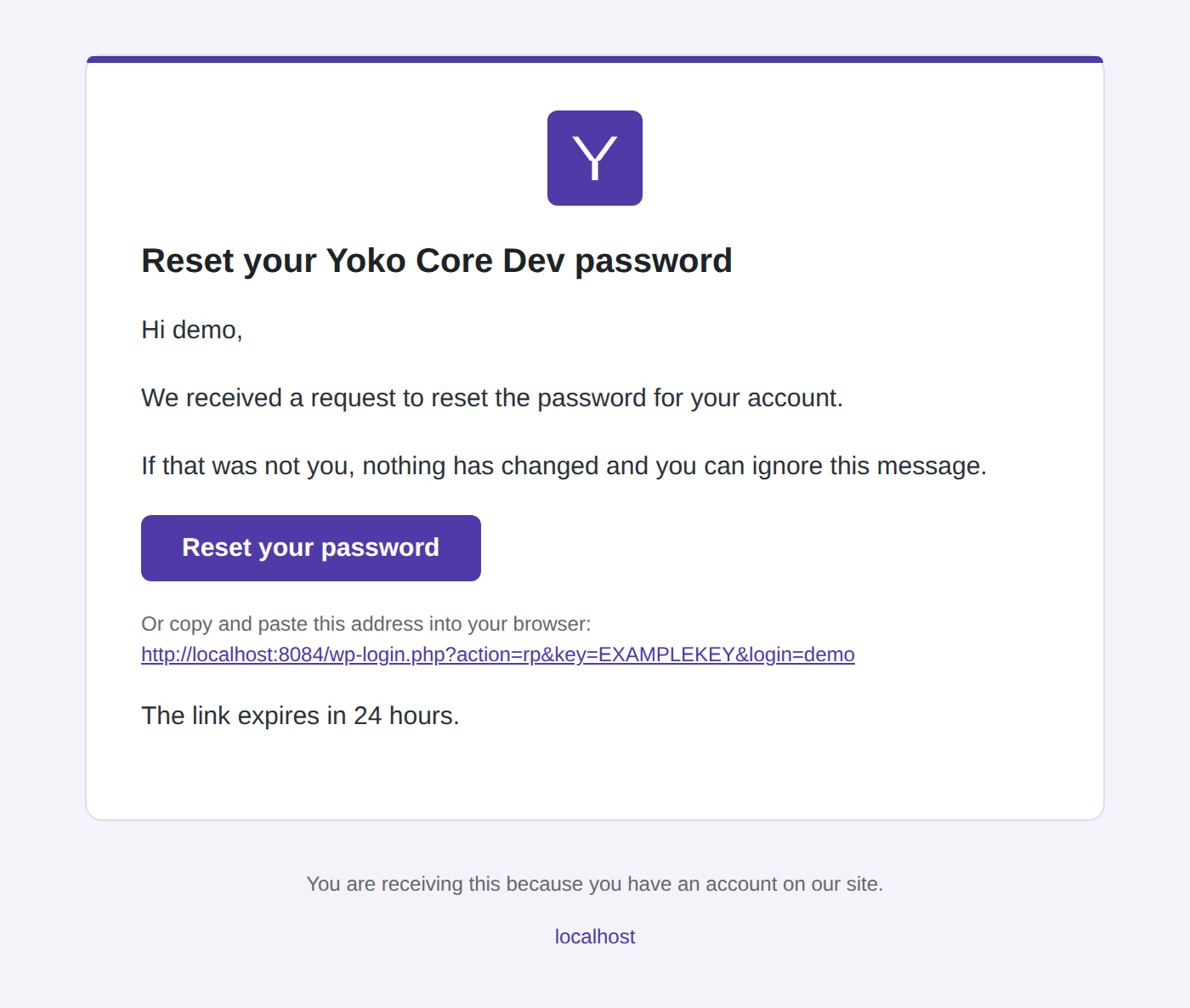
A line containing nothing but a link becomes the button. That is how the stock WordPress copy produces one, and how rewritten copy should too:
Hi {{user_login}},

We received a request to reset the password for your account.

{{reset_url}}

The link expires in 24 hours.
| Stock copy | Rewritten |
|---|---|
 |  |
Send a test email
Sends the email currently being previewed, with the settings currently on
screen — saved or not — to any address. The subject is prefixed [Test].
The emails
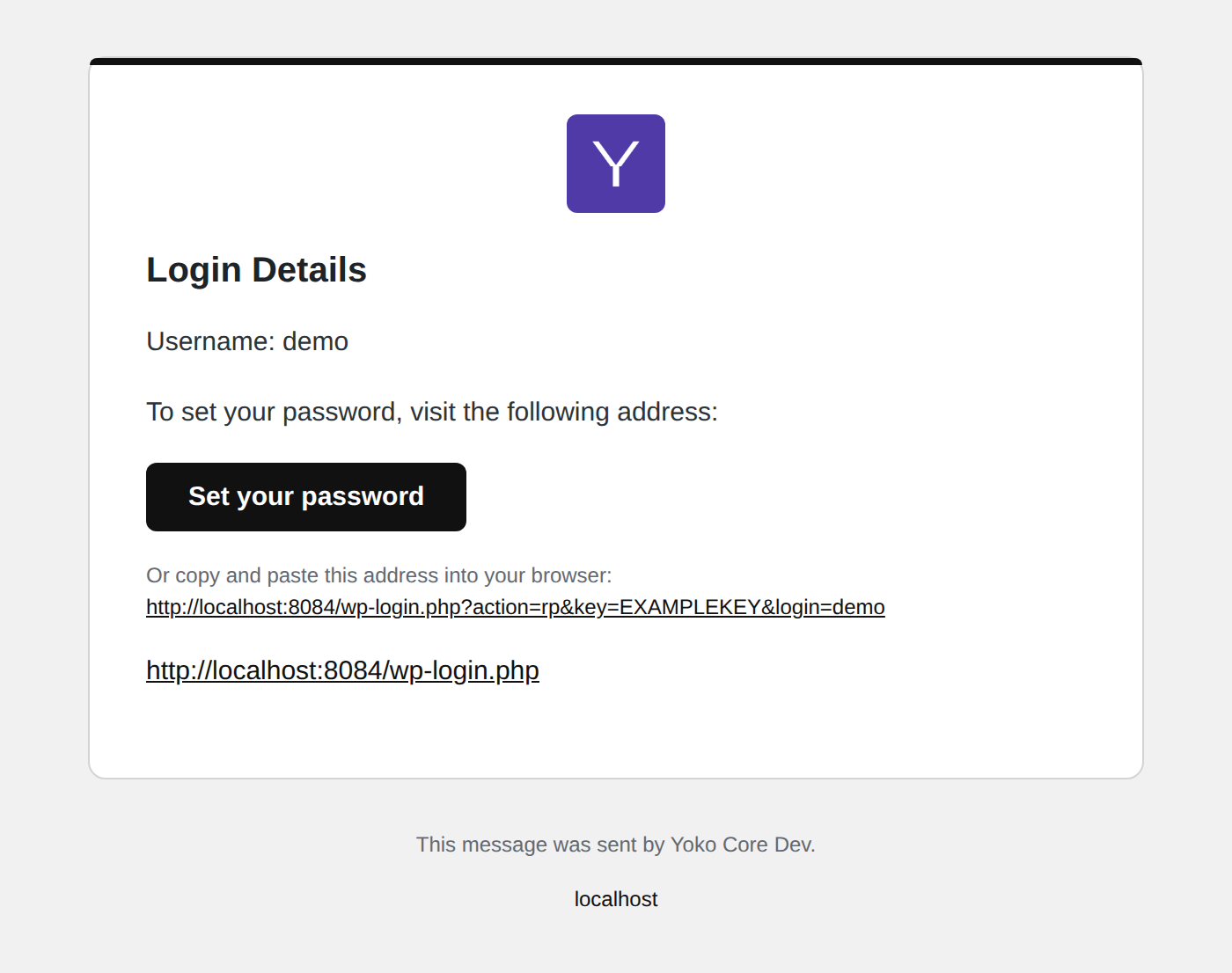
New user welcome. The button label comes from the email, not from the link.
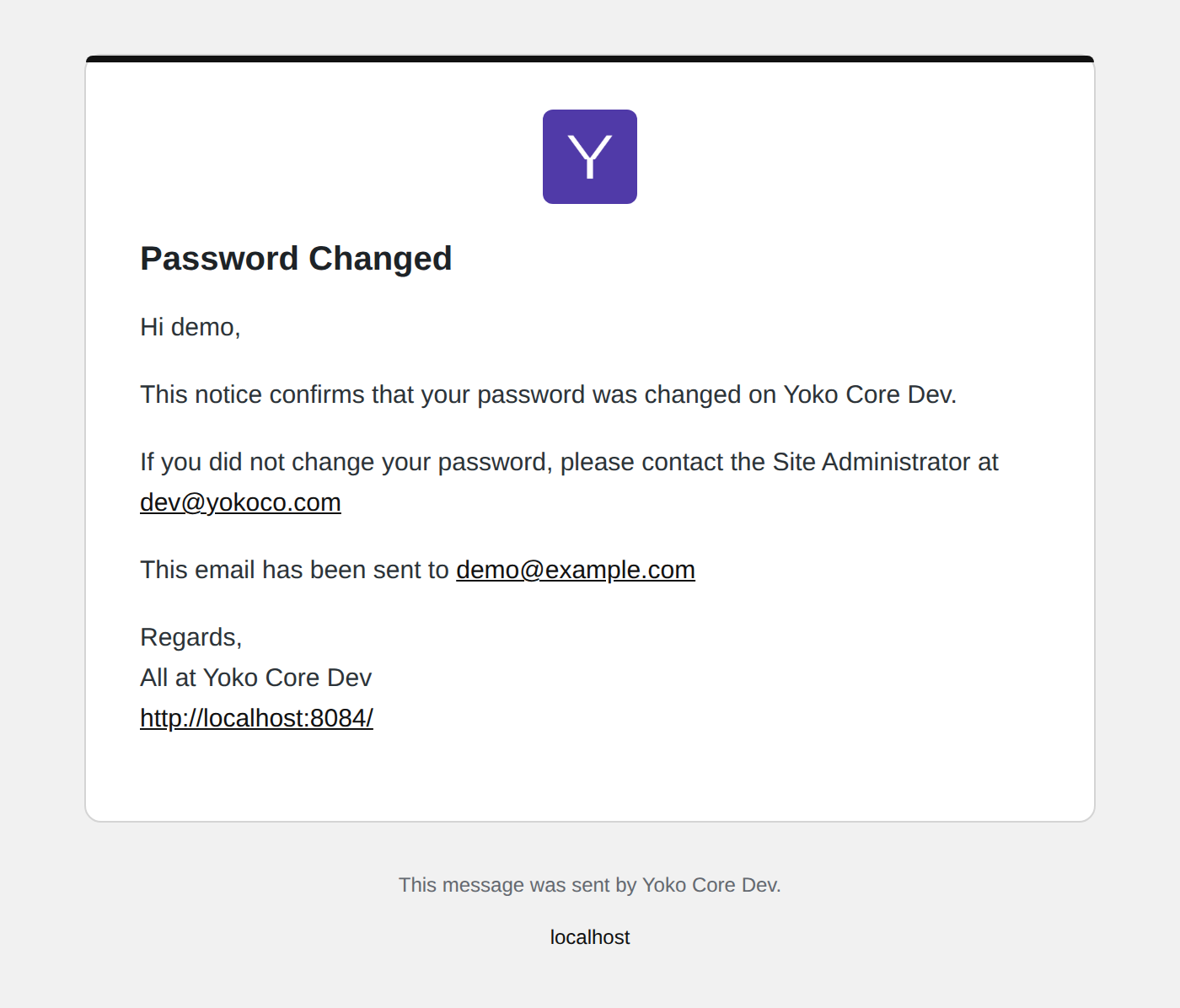
Password changed. No link, so no button.
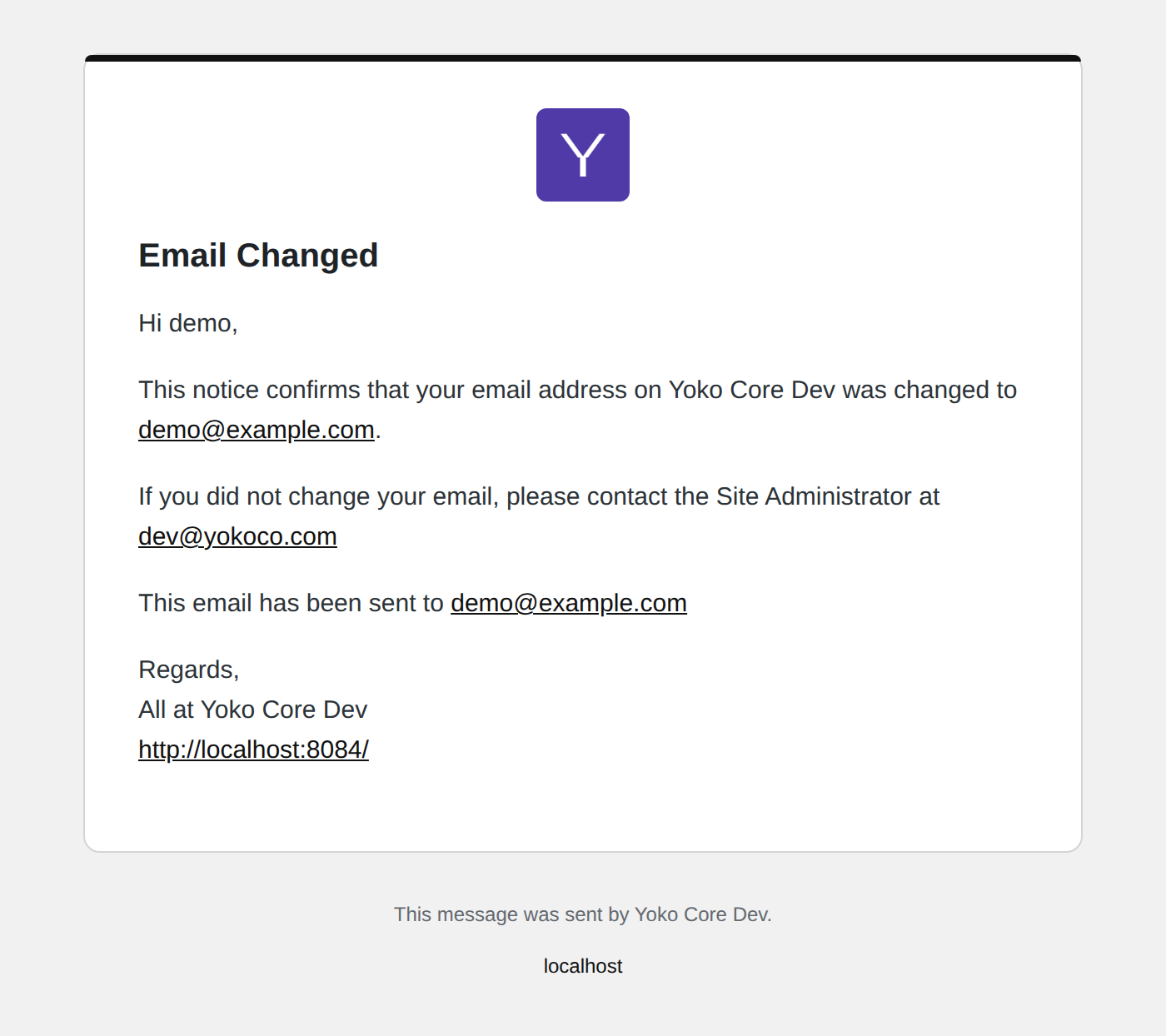
Email address changed.
Fonts
The body and heading fonts come from the theme's theme.json typography, with
the system font stack appended. No email client loads a webfont, so a theme
using one degrades to the deliberate fallback rather than to Times New Roman.
Extending
| Filter | Changes |
|---|---|
yoko_email_branding_enabled | Whether anything is branded at all |
yoko_email_branding_color | The resolved brand colour |
yoko_email_branding_logo_url | The header logo URL |
yoko_email_branding_html | The whole rendered document |
yoko_branding_primary_color | The site's main colour, for the login screen too — the hook a classic theme uses to name one |
yoko_branding_body_font / yoko_branding_heading_font | The font stacks |
Technical details
- Settings live in one option,
yoko_email_branding, registered withshow_in_restso the settings screen reads and writes them through/wp/v2/settings. - The preview and the test send are
POST /yoko/v1/email-branding/previewand/yoko/v1/email-branding/test, both requiringmanage_options. - The markup is a 600px table with every rule inline, because email clients
strip
<style>blocks and Outlook renders through Word. - Message text is escaped before it is linkified and paragraphed, so a subject or a comment body cannot inject markup into the email.